

Guide
How to Time a 5K with Chip Timing: A Race Director's Guide
Timing your first 5K with chip timing feels intimidating until you've done it once. Most of the work is in the prep; race morning itself, with a well-set-up system, is mostly waiting. This guide walks you through the full sequence — from the equipment list a few weeks out, through bib distribution, finish-line setup, and the run-of-show on race morning.
What you'll need
A baseline chip-timed 5K setup includes the following. Quantities below assume an event in the 100–500 runner range; scale up for larger events.
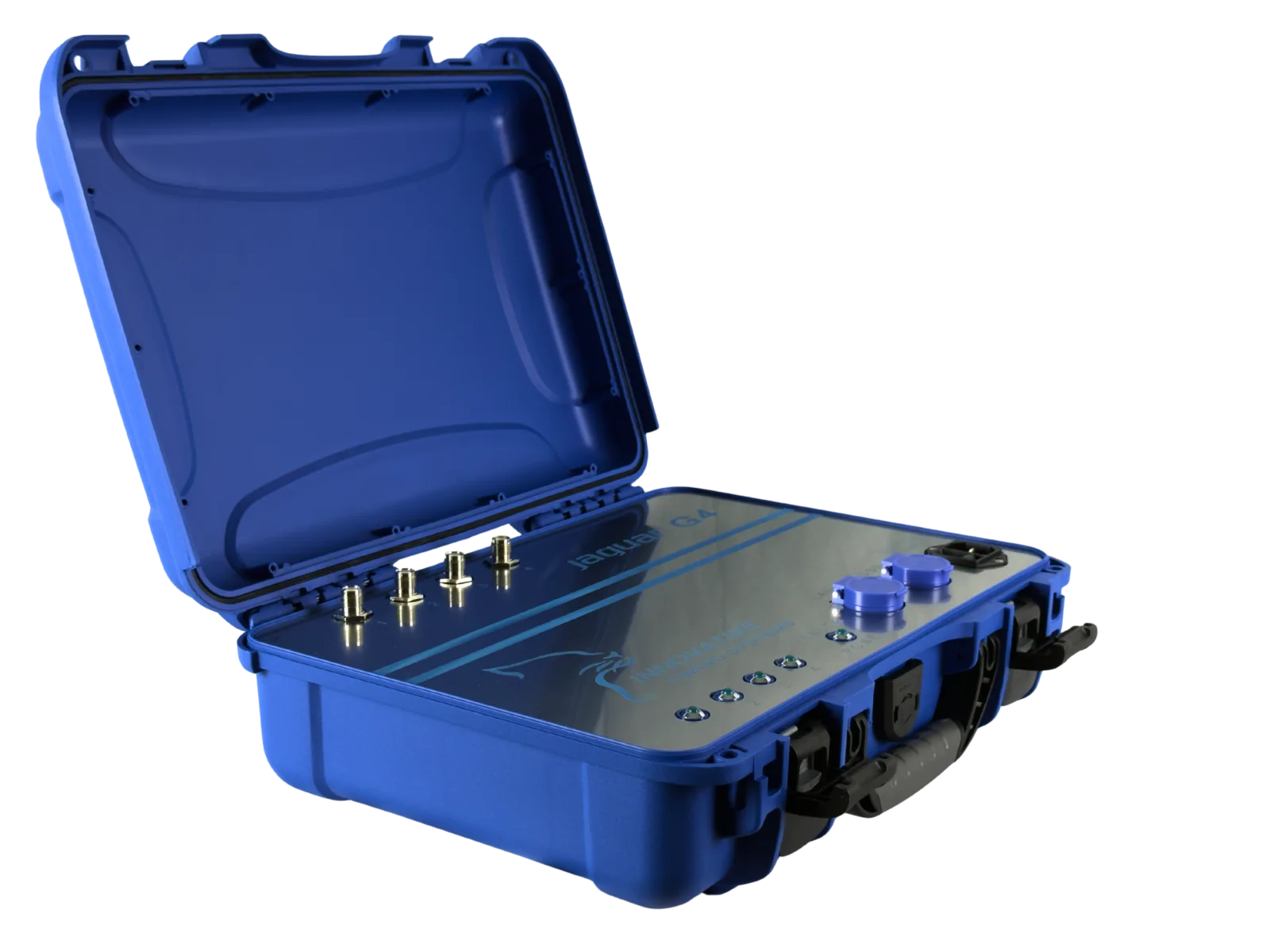
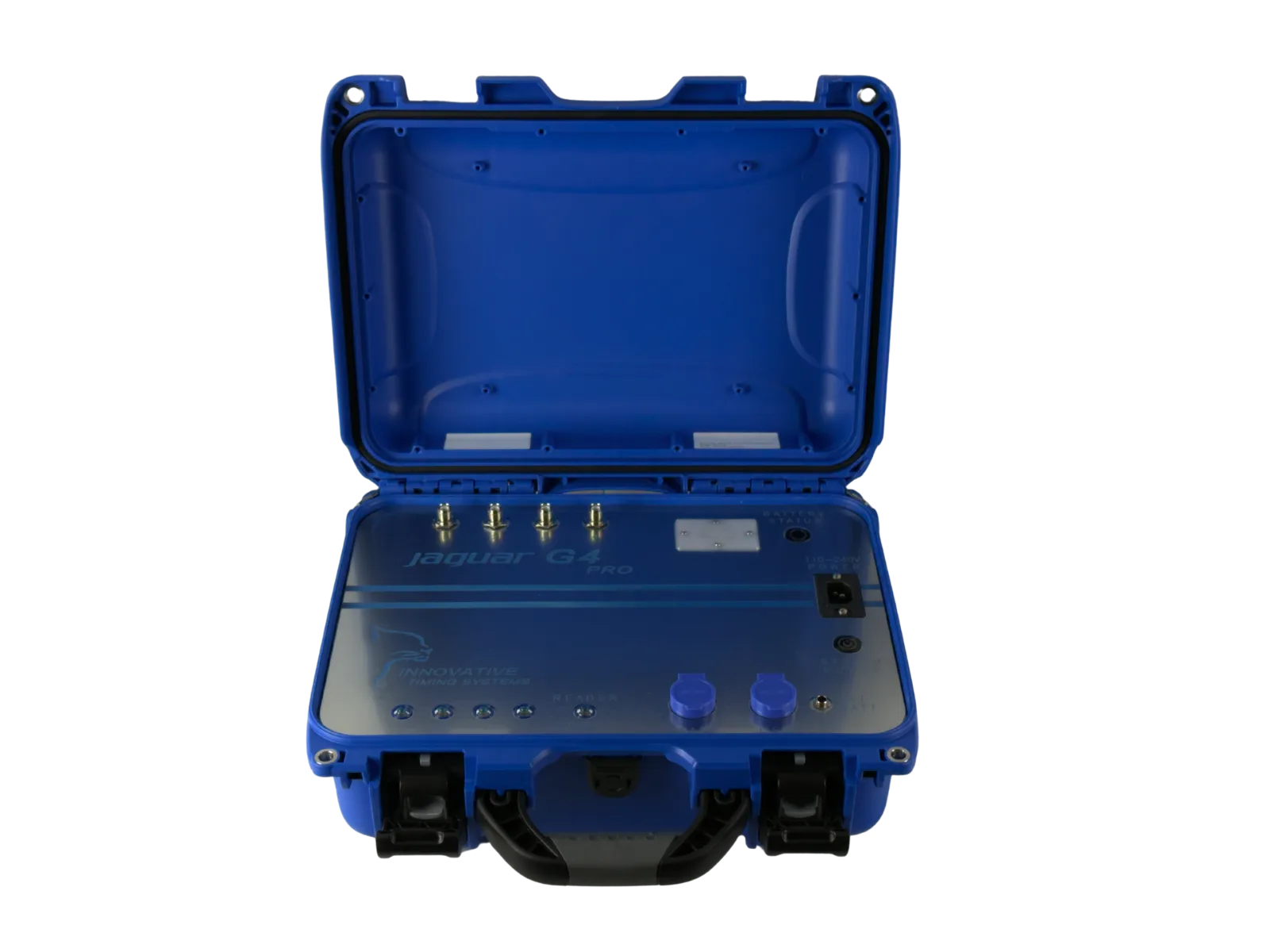
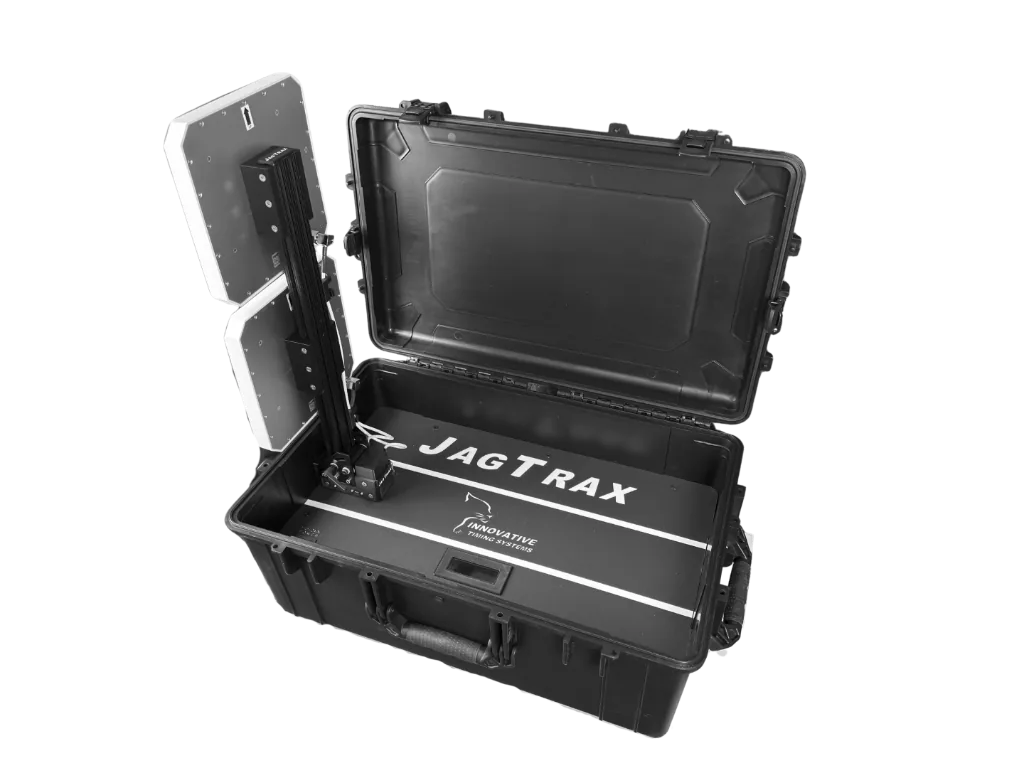
- RFID reader (1, with backup recommended)
- Finish-line antenna mat or paired vertical antennas
- Disposable RFID bib tags (one per runner, plus 15% spare)
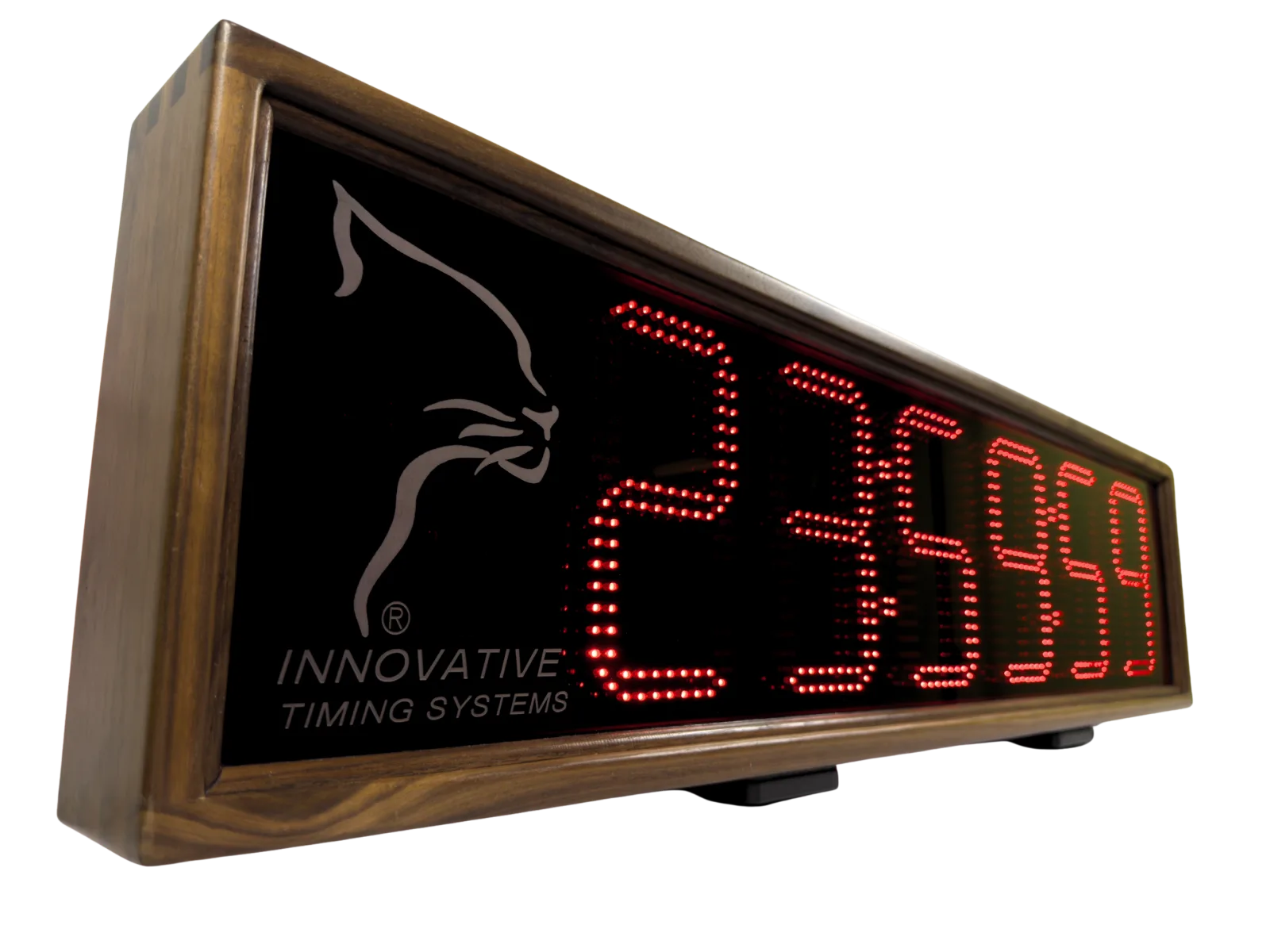
- Digital finish-line clock (for spectators and timing reference)
- Laptop with race management software
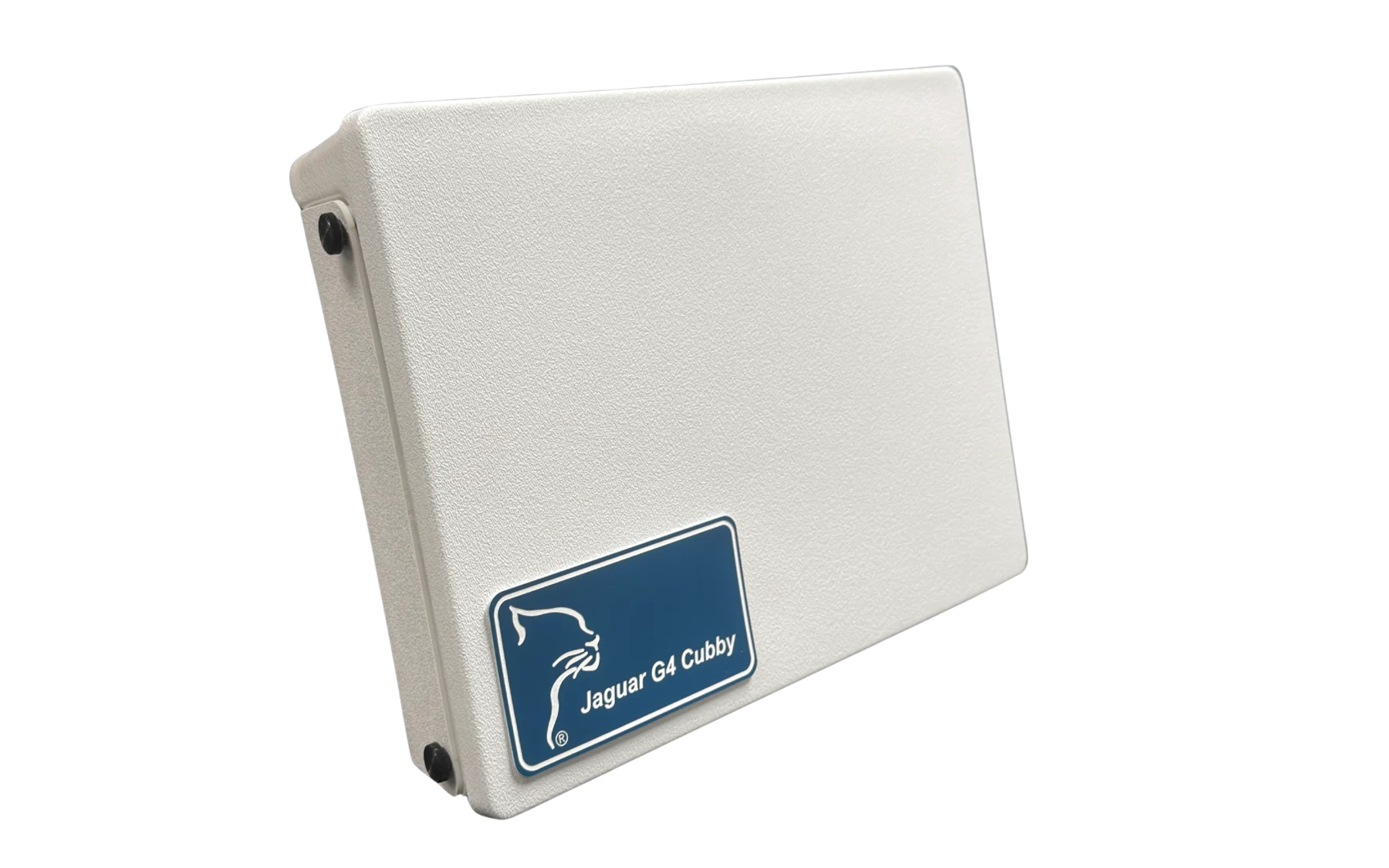
- Power: AC + UPS battery backup
- Backup: a stopwatch and a clipboard (yes, really)
Pre-race: the week before
The race-day chaos compounds the value of being ahead the week before. Get the following locked down by Tuesday for a Saturday race:
- Final runner roster imported into race management software
- Bib-to-chip mapping locked (whether pre-assigned or chip-on-bib)
- Test the full chain (chip → antenna → reader → software → clock) on the bench
- Confirm your finish-line layout with the course director and police
- Charge every battery; pack two of every cable you'll need
Race morning: arrival to gun-time
Arrive at the finish line 90 minutes before gun time. The sequence:
1. Set up the finish-line antenna, mat, and chute width. Verify mat is flat and centered. 2. Power up the reader, connect to your laptop, run a live test with a known-good chip. Walk over the mat at a slow walk, a jog, and a sprint. All three should produce clean reads in the software. 3. Power up the finish-line clock. Pair it with the timing software. Sync it with the official start time. 4. Start a deliberate dry-run with three test chips at the start corral five minutes before gun. Confirm reads register. 5. Brief any volunteer timers on what to watch for and the radio protocol.
During the race
During the race itself, the timing tent should be quiet. The system is recording. Your job is to monitor for anomalies — read failures, unexpected duplicate reads, low battery alerts — and not touch anything that's working.
Resist the temptation to start posting partial results during the race. Let the system finish doing its job first; you'll save yourself a lot of corrections.
After the gun: results, awards, and reconciliation
Once the last runner crosses, run your results reconciliation:
- Cross-check finisher count against your bib distribution log
- Investigate any missing reads (typically a tag worn on the wrong side, or a runner who pulled their bib off mid-race)
- Generate the awards-eligible results (overall and age-group cuts)
- Post live results to your registration platform / results page
- Save a backup export of the raw read log — you'll want it if a runner disputes a result later
The five most common first-time mistakes
Patterns we see consistently with first-time race directors:
- Not running a full live-chip test on the bench before race day
- Underestimating finish-line chute width (chips bunch when runners do)
- Forgetting a backup power option for the finish-line clock
- Not labeling spare bibs clearly — the wrong tag on the right bib is hours of pain to debug after
- Throwing away the raw read log too soon — keep it 90 days
First time timing a 5K and want to do it right? Our team has timed thousands of them — we'll help you scope the right equipment kit for your event.
Talk to our teamHave a race-timing question this guide didn’t cover?
Our team has timed thousands of events. We’re happy to talk through your specific event mix — no commitment, no sales pressure.
Related guides
How to Choose a Race Timing System: A 2026 Buyer's Guide
A race director's guide to picking the right chip-timing system — what to compare, what to skip, and how to avoid the most expensive first-purchase mistakes.
RFID Race Timing: How It Works (And What to Look For)
A plain-English explanation of how RFID chip timing actually works, with the specs that matter — and the ones that don't.